
Use Report Wrong Library Part when an existing library part contains incorrect or incomplete information.
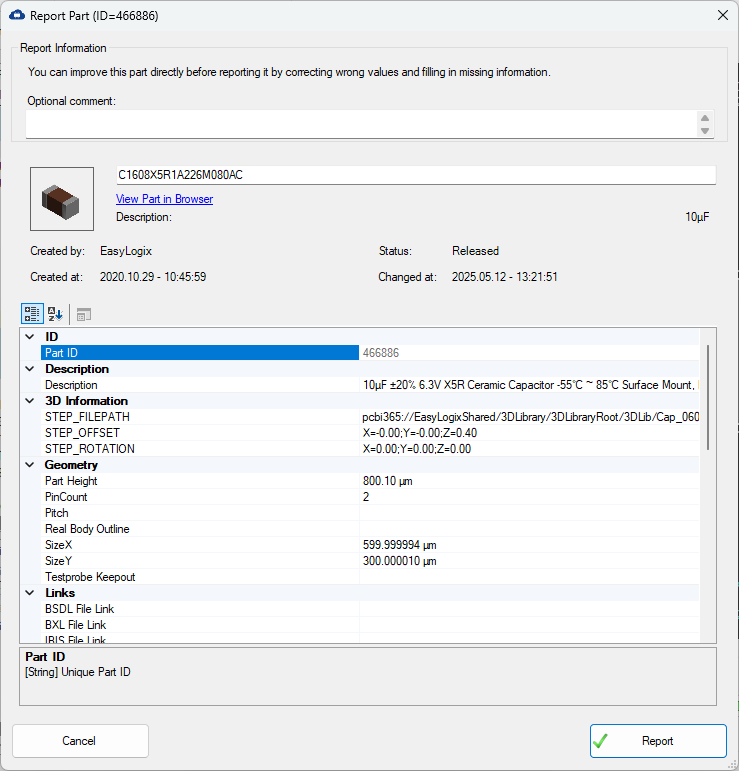
The dialog shows the selected part, its current status, creation and modification information, and the available part properties. Use View Part in Browser to open the corresponding library entry.
Before reporting the part, correct wrong values and add missing information directly in the property table. The available groups can include the description, 3D information, geometry, and links.
Add an optional comment to explain the problem or the changes. Click Report to submit the corrected information, or Cancel to close the dialog without reporting the part.